 Try Odoo
Using Website:
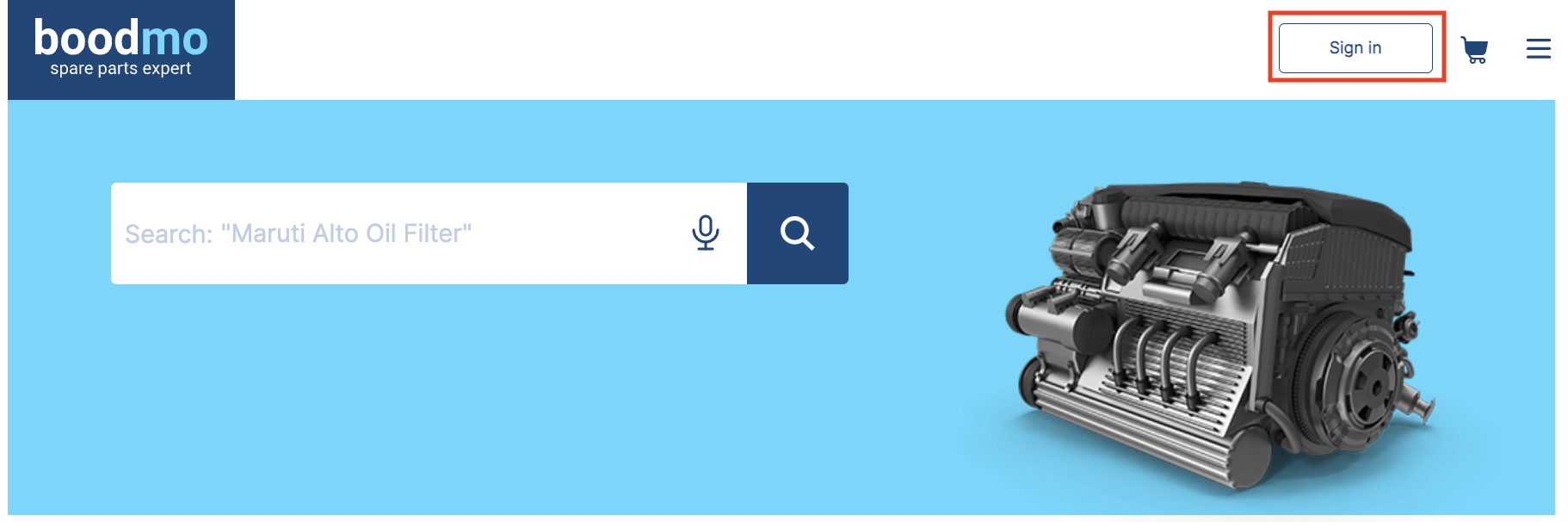
- Sign in to your account
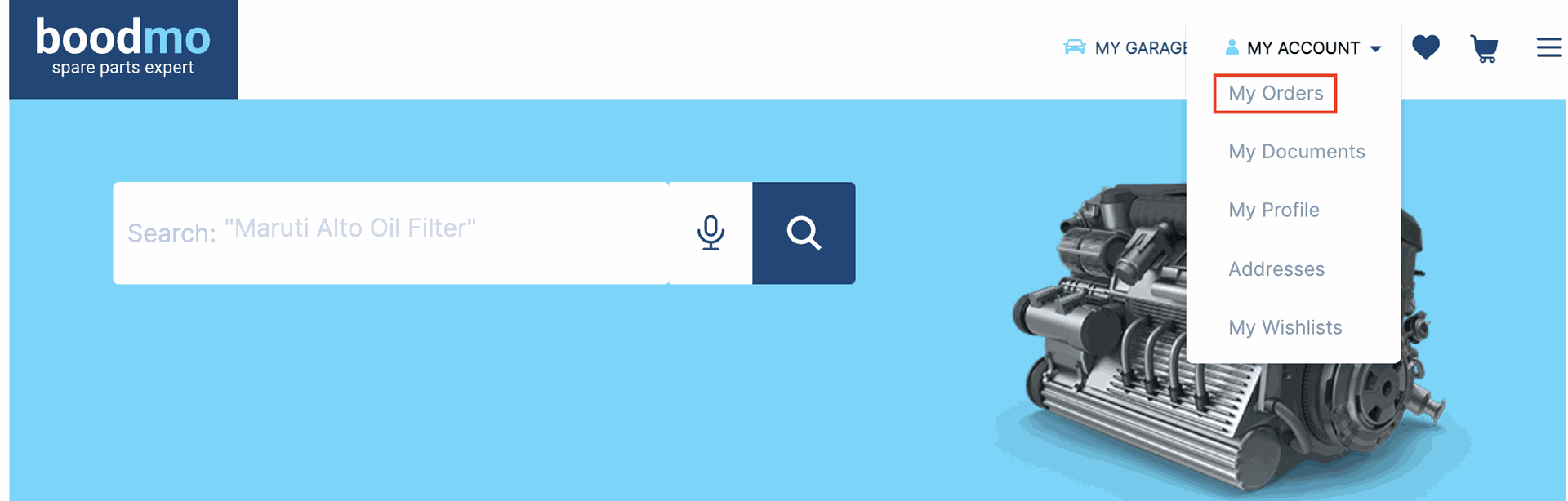
- Go to "My Account" and click on "My Orders"
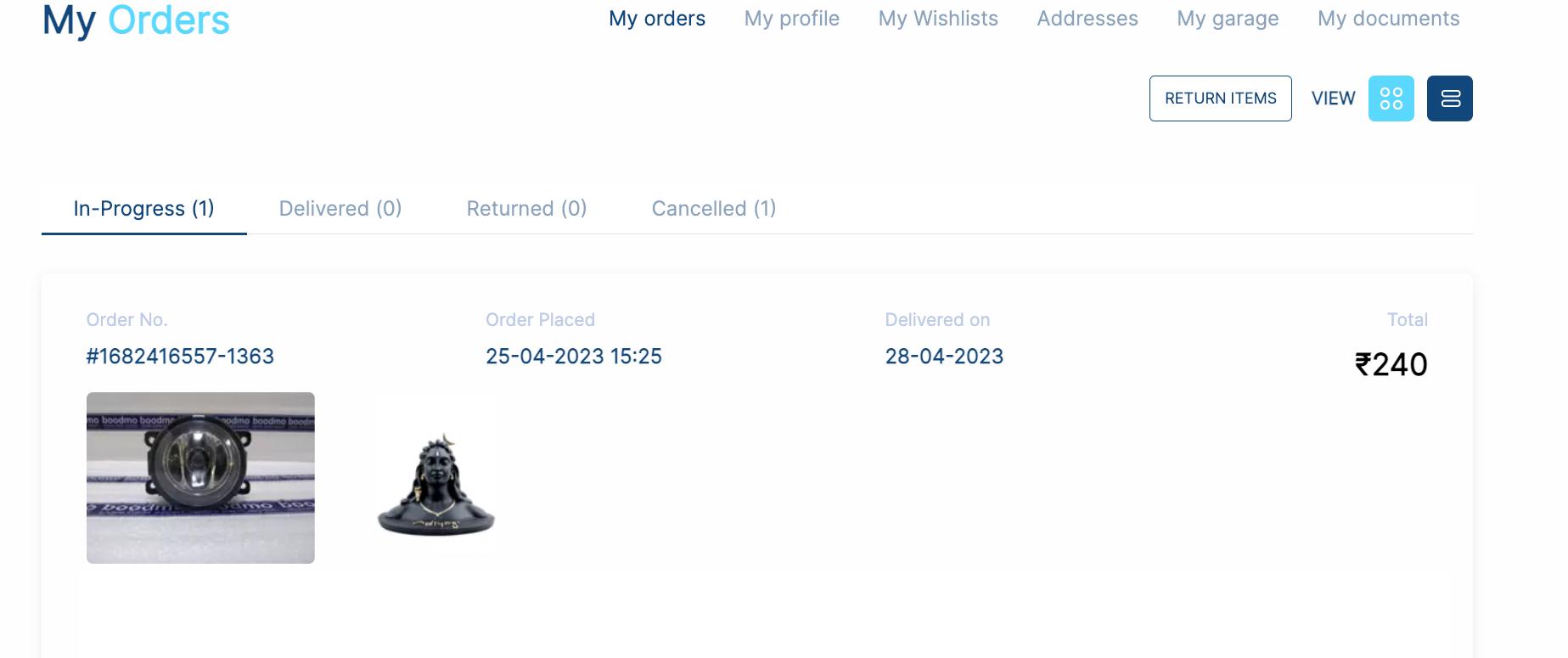
- Select the order for which you've created the return
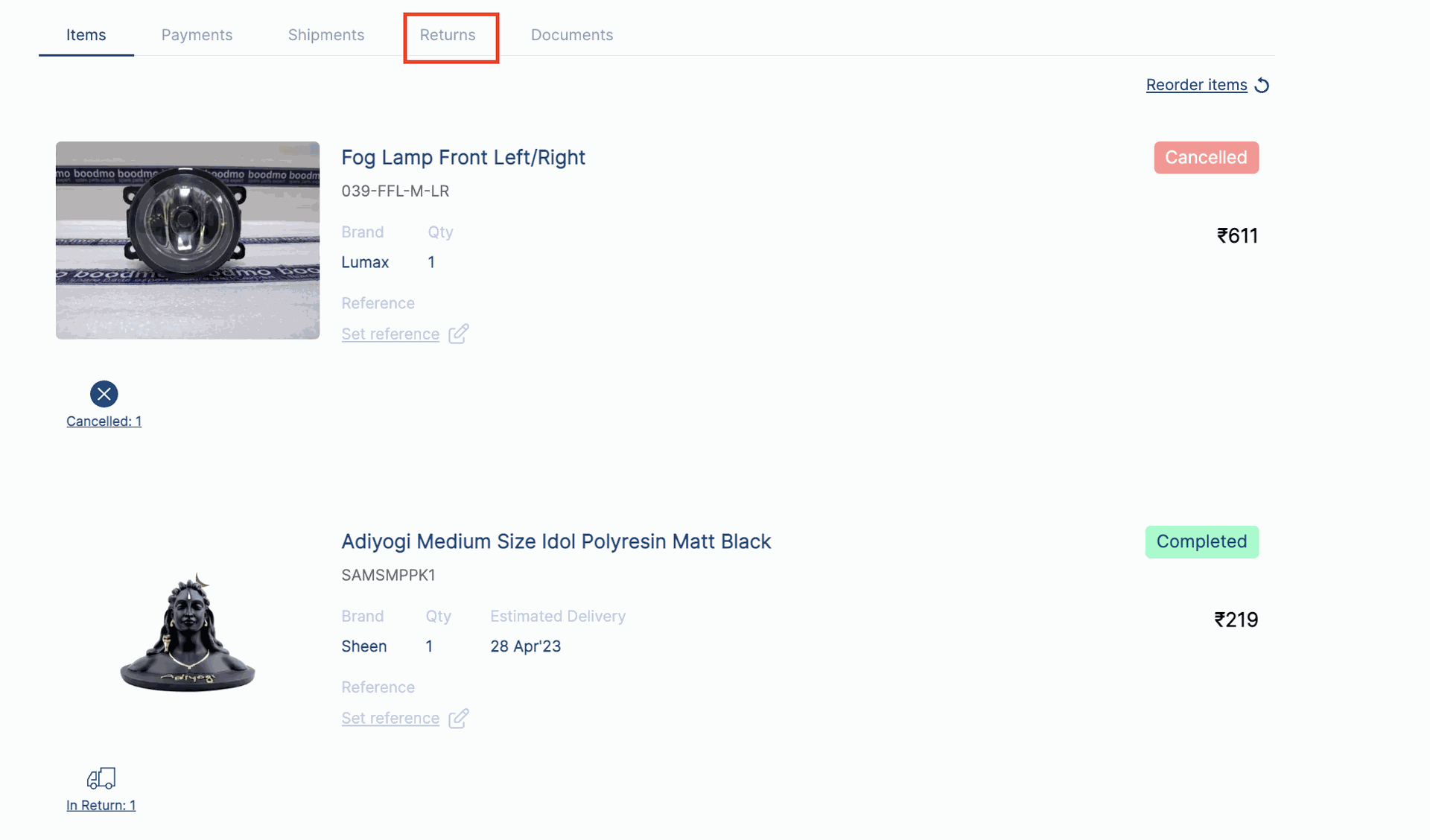
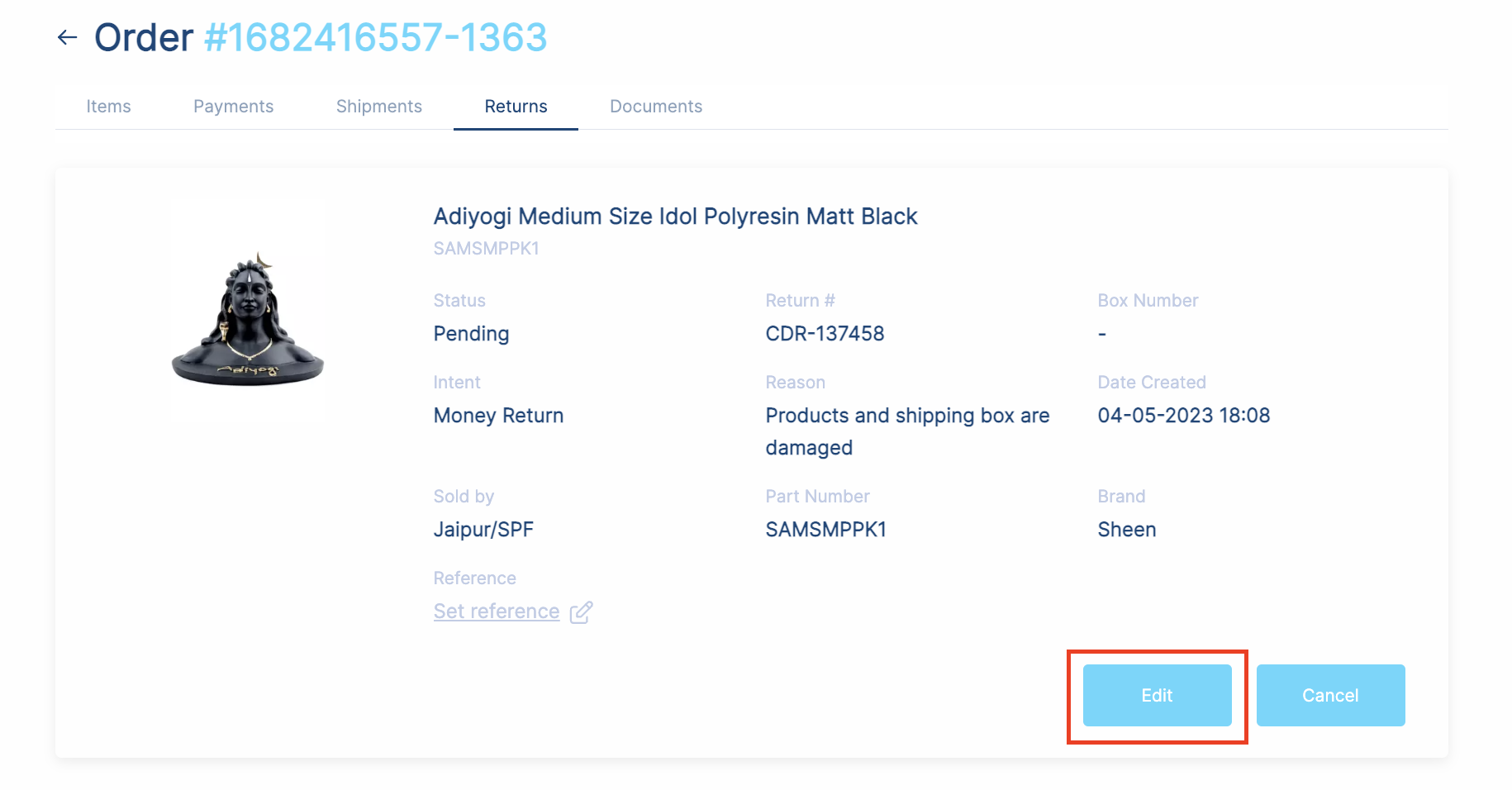
- Click on the "Return" tab and then click on "Edit"
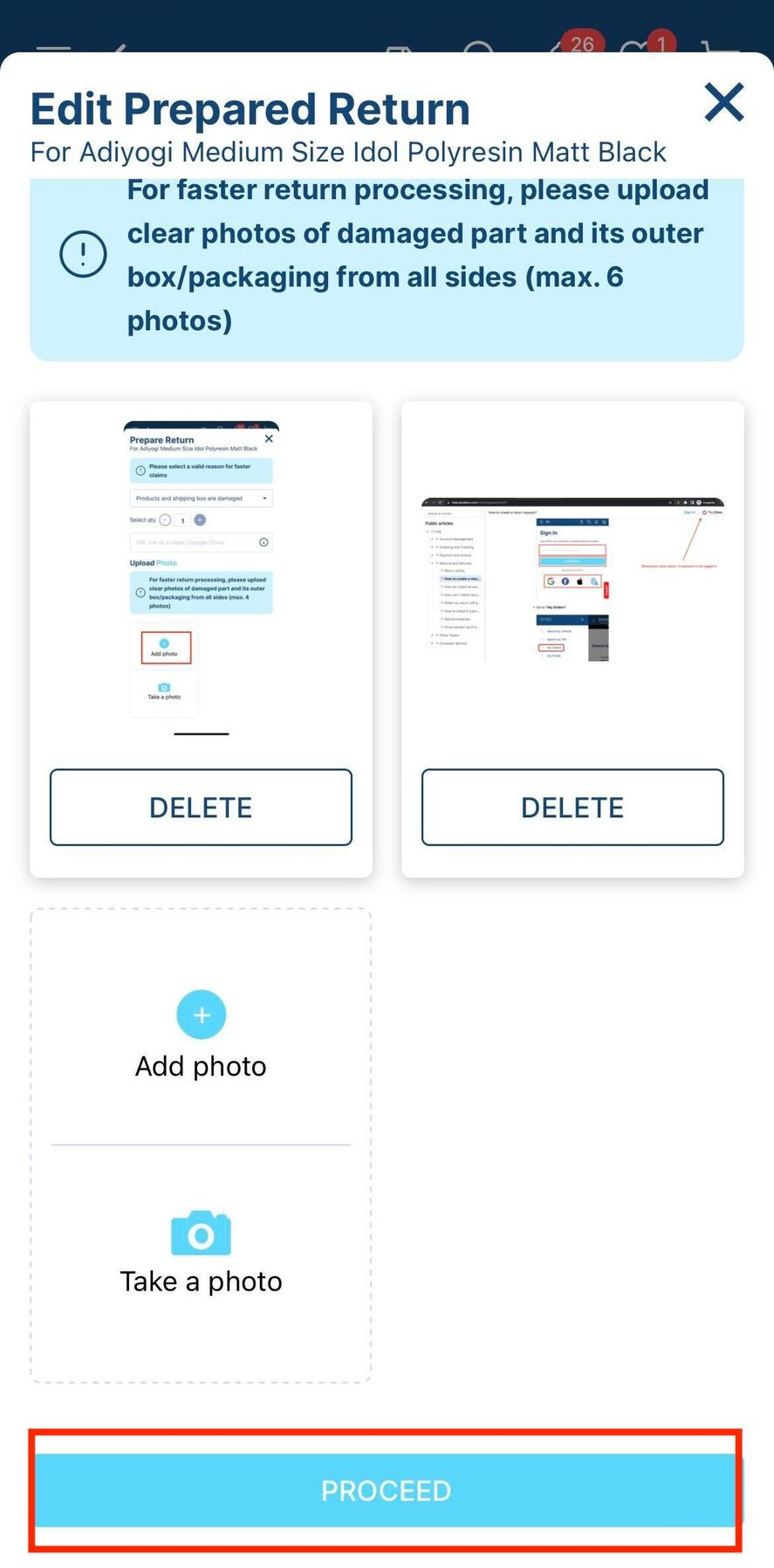
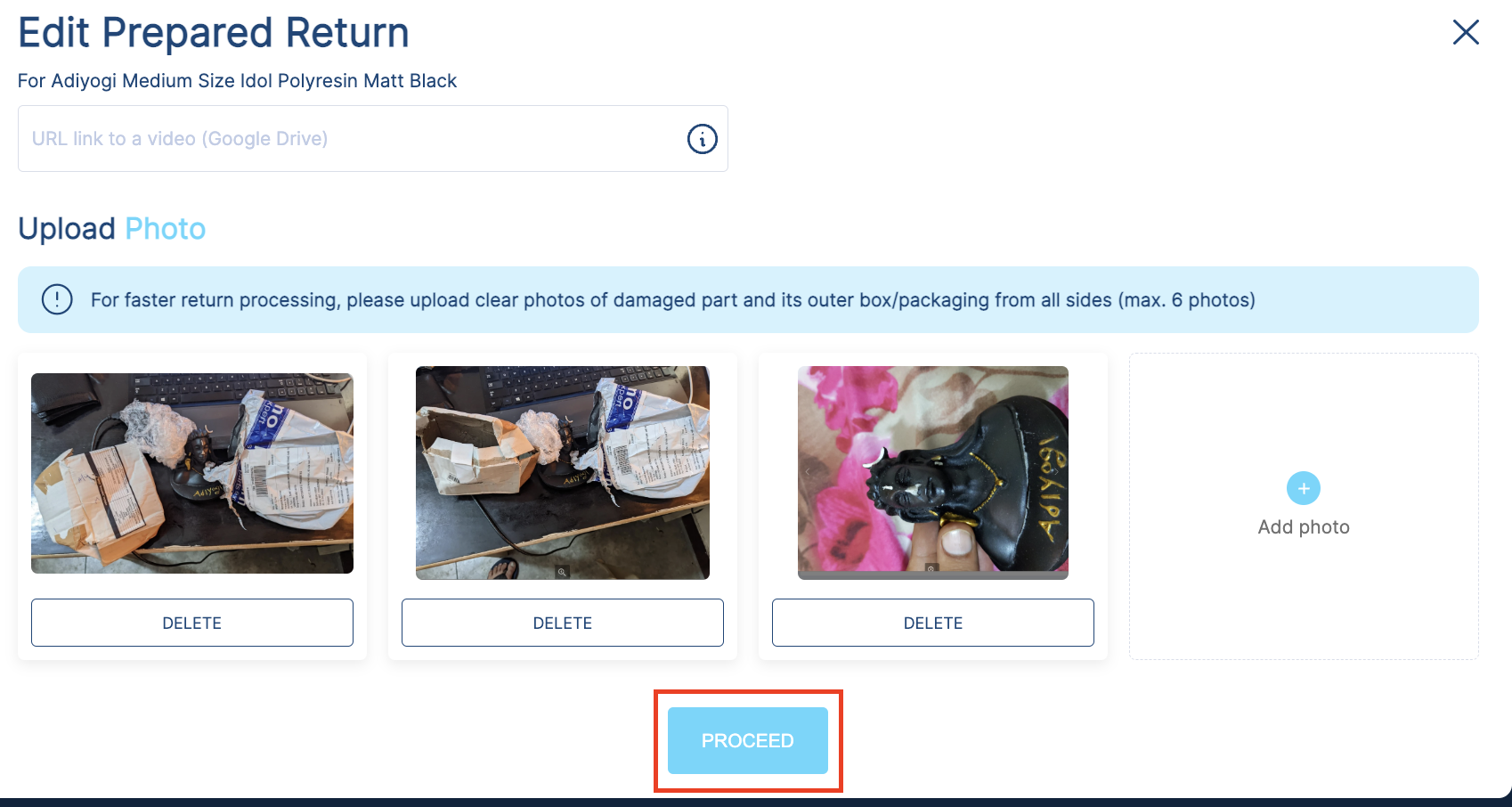
- Add the required images and click on "Proceed"
Using Application:
- Sign in to your account
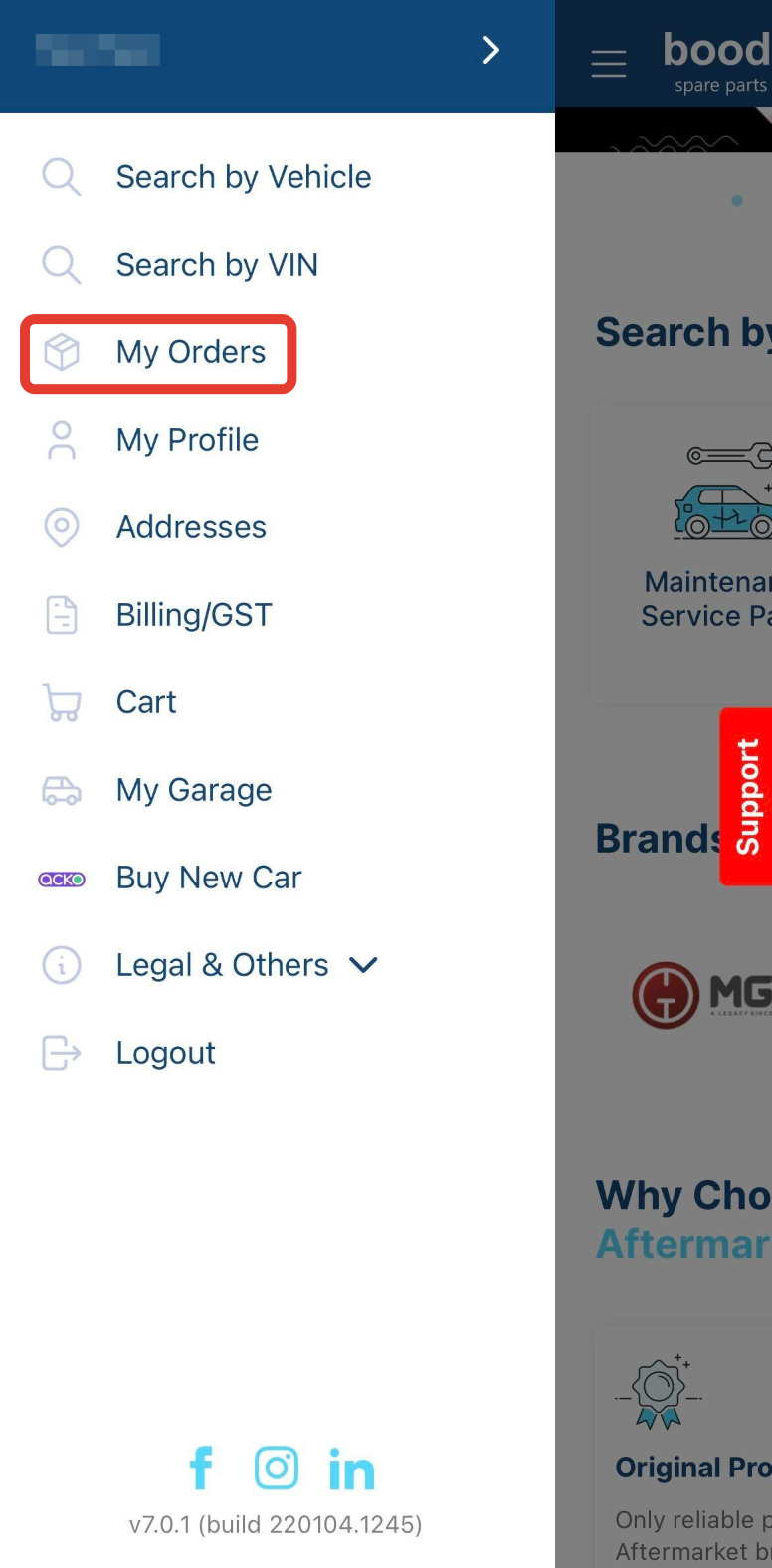
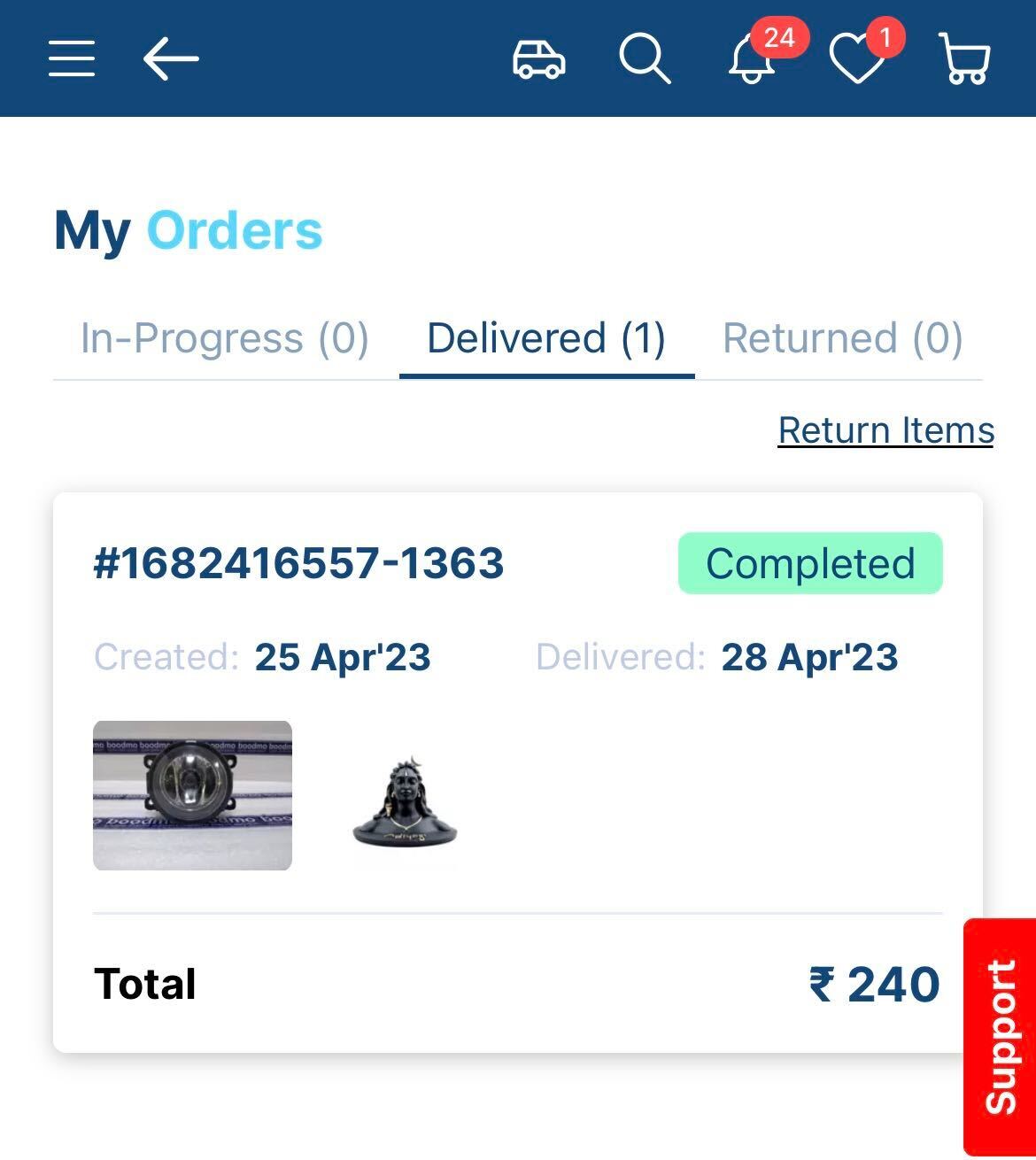
- Go to "My Orders"
- Select the order for which you've created the return
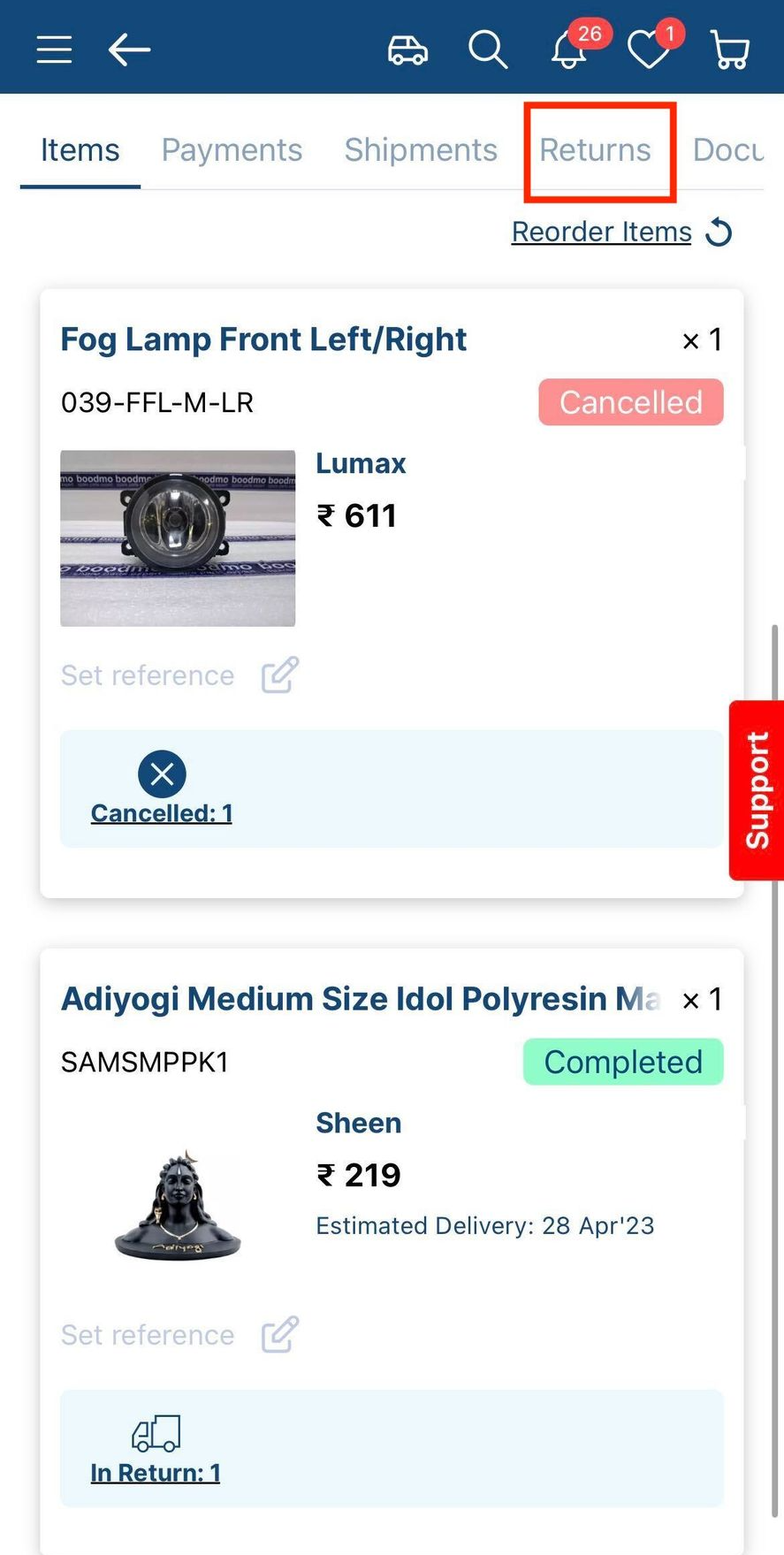
- Click on the "Return" tab and click on "Edit"
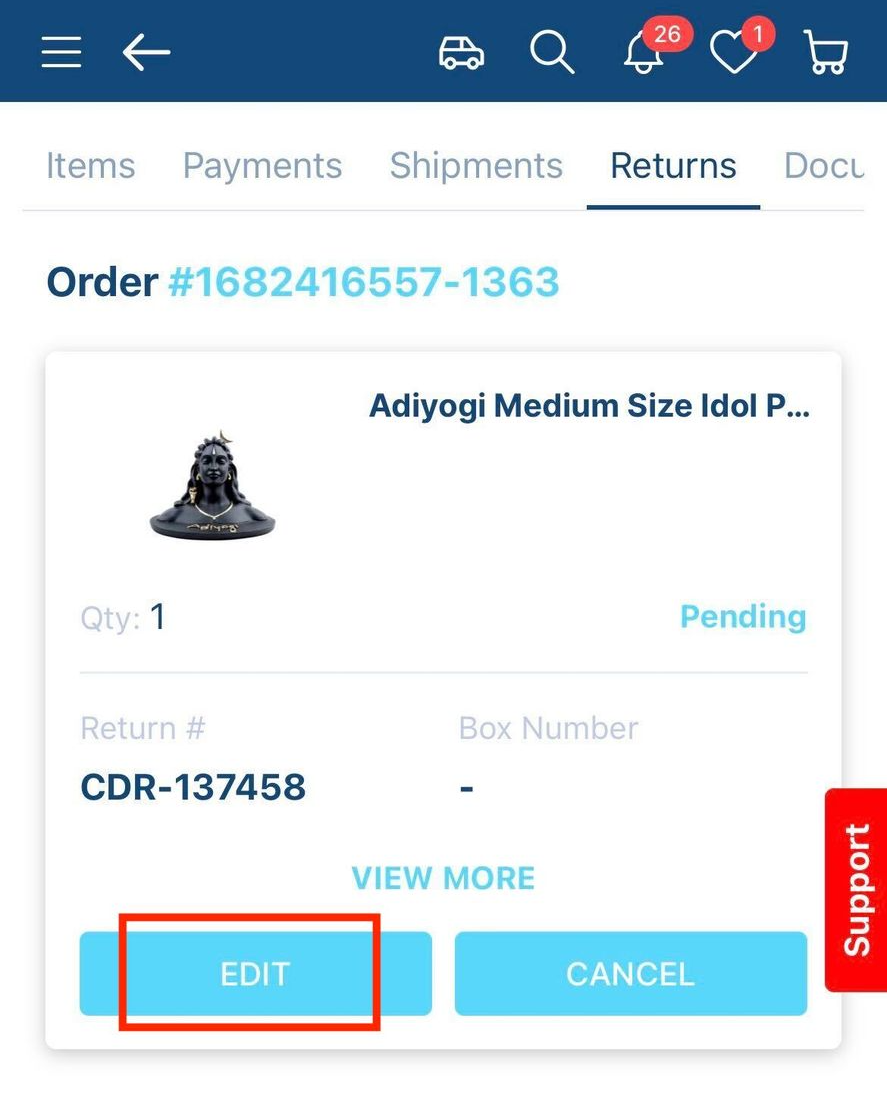
- Add the required images and click on "Proceed"