 Try Odoo
Open the boodmo app or visit boodmo.com and follow the below procedure:
Note: An account can only be removed if no active orders exist.
Using Website:
- Sign In to your boodmo account
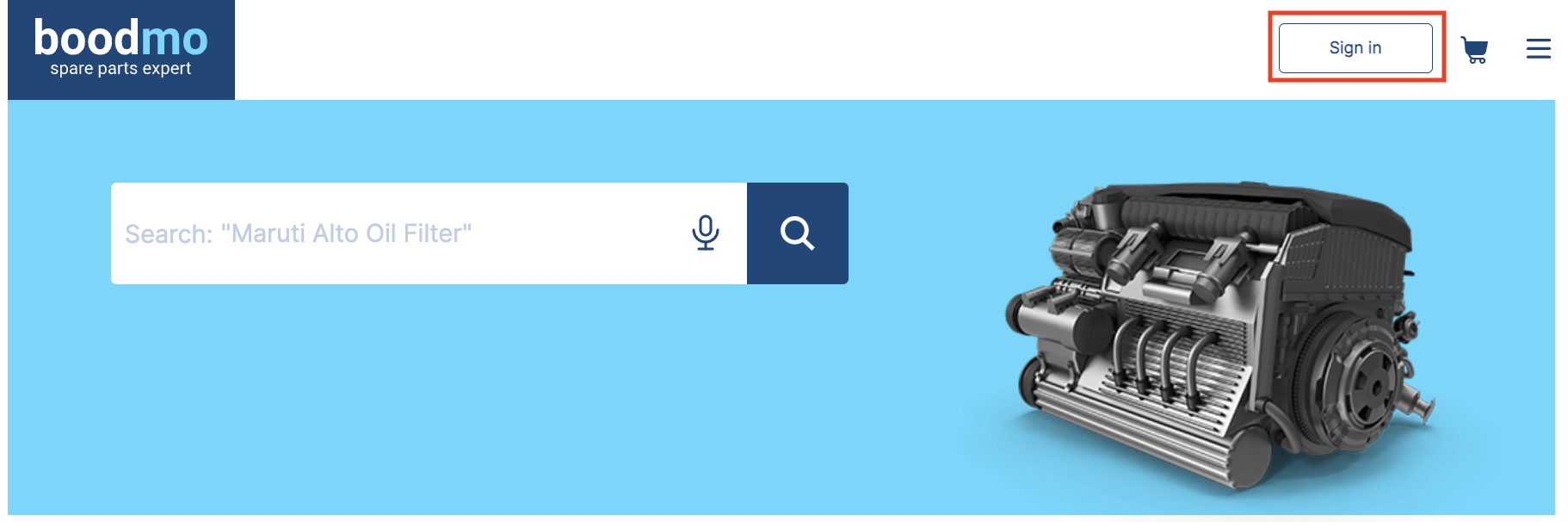
- Once signed in, click on the Menu button to view the options.

- From the list, select the Remove Account option.

- Confirm your action by tapping Remove Account, and your account will be removed.

Using Application:
- "Sign In"to your boodmo account
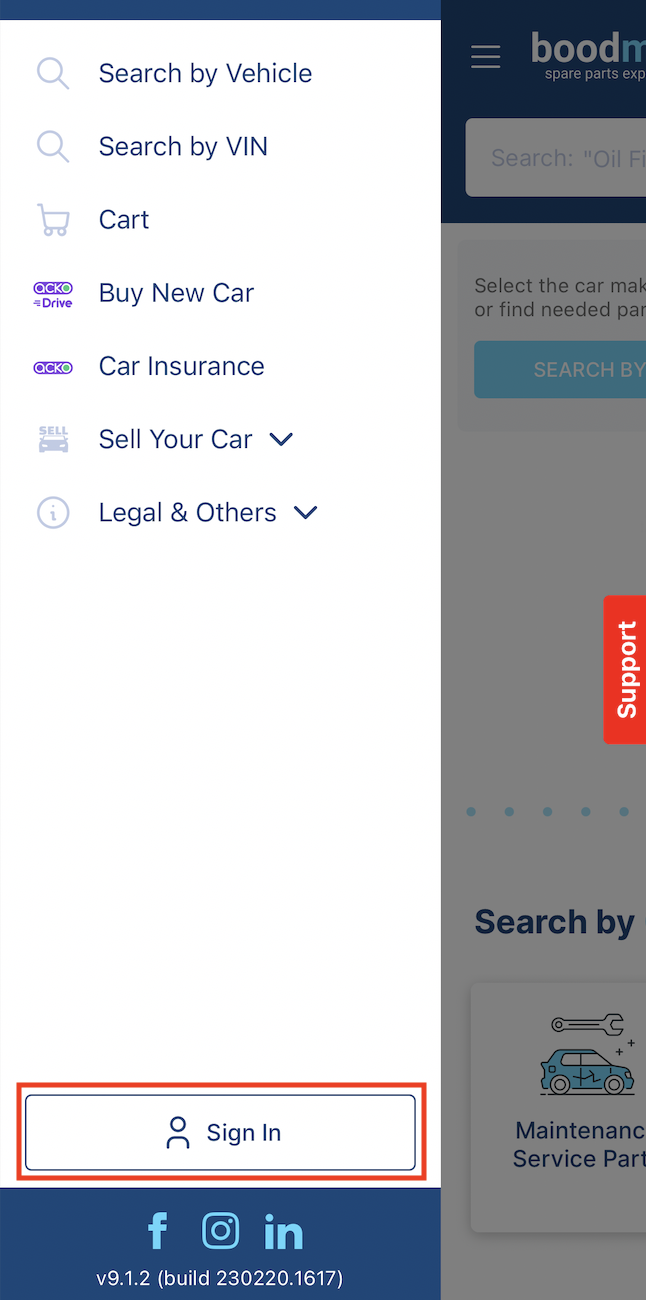
- Once signed in, click on the Menu button to view the options.

- Navigate to Legal & Others.

- Select the Remove Account option.

- Confirm your action by tapping Remove Account, and your account will be removed.
