 Try Odoo
Open the boodmo app or visit boodmo.com and follow the below procedure:
Using Website:
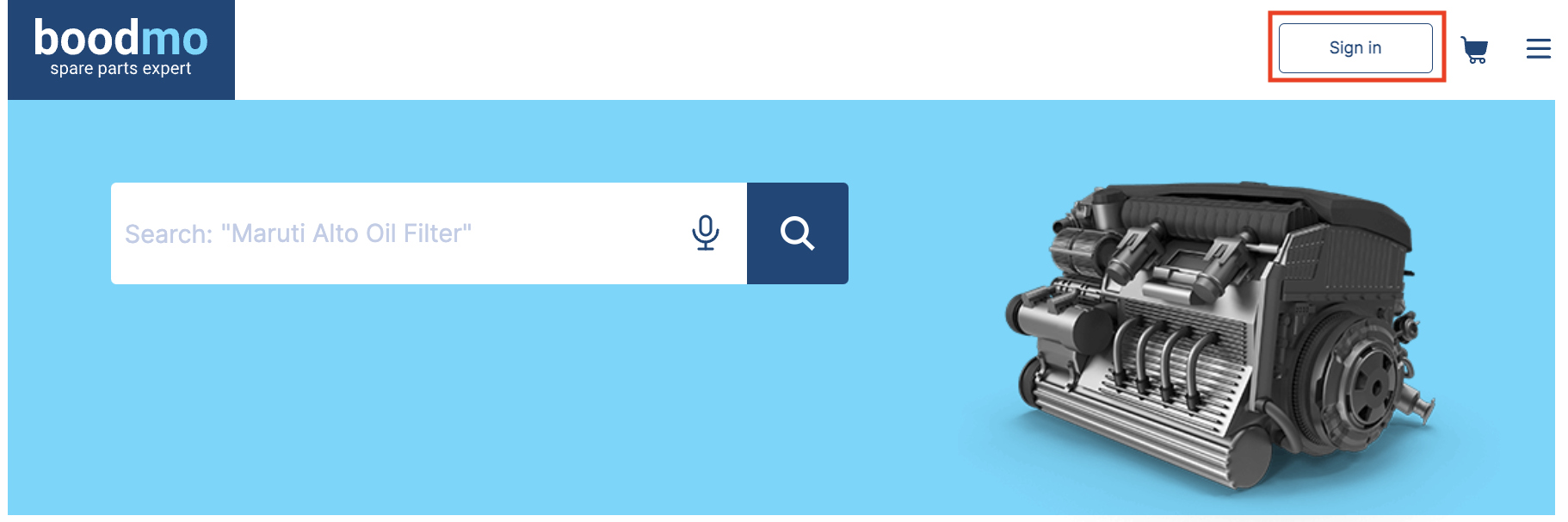
- Sign In to your boodmo account
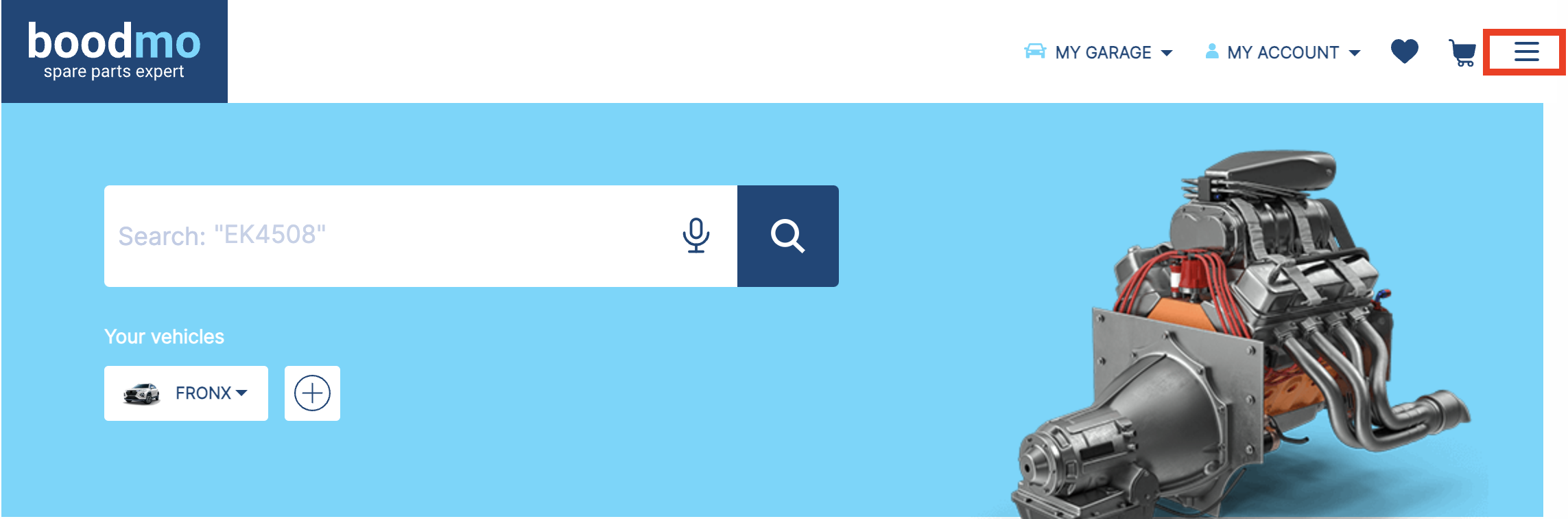
- Once signed in, click on the Menu button to view the options.
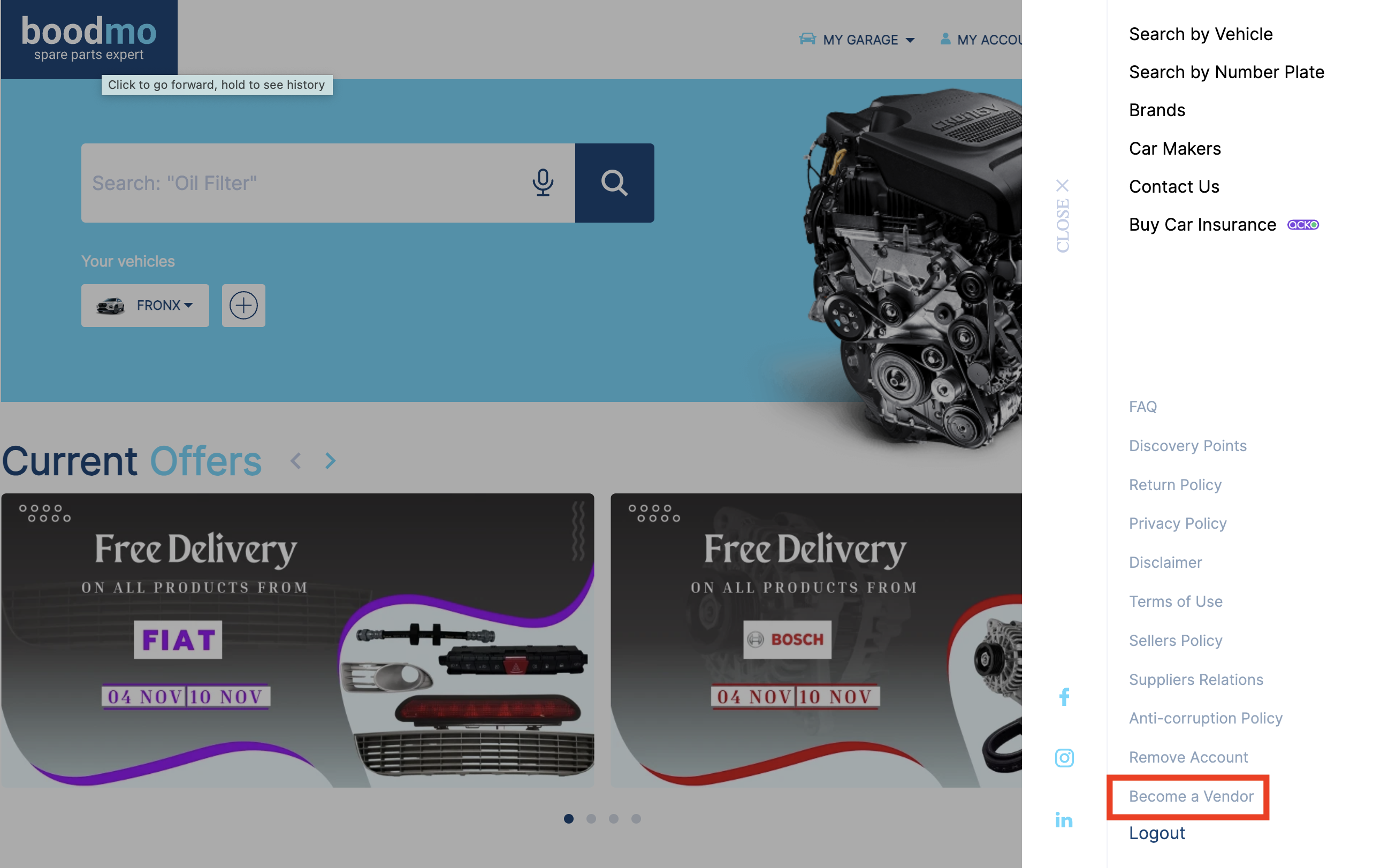
- Select Become a Vendor from the list.
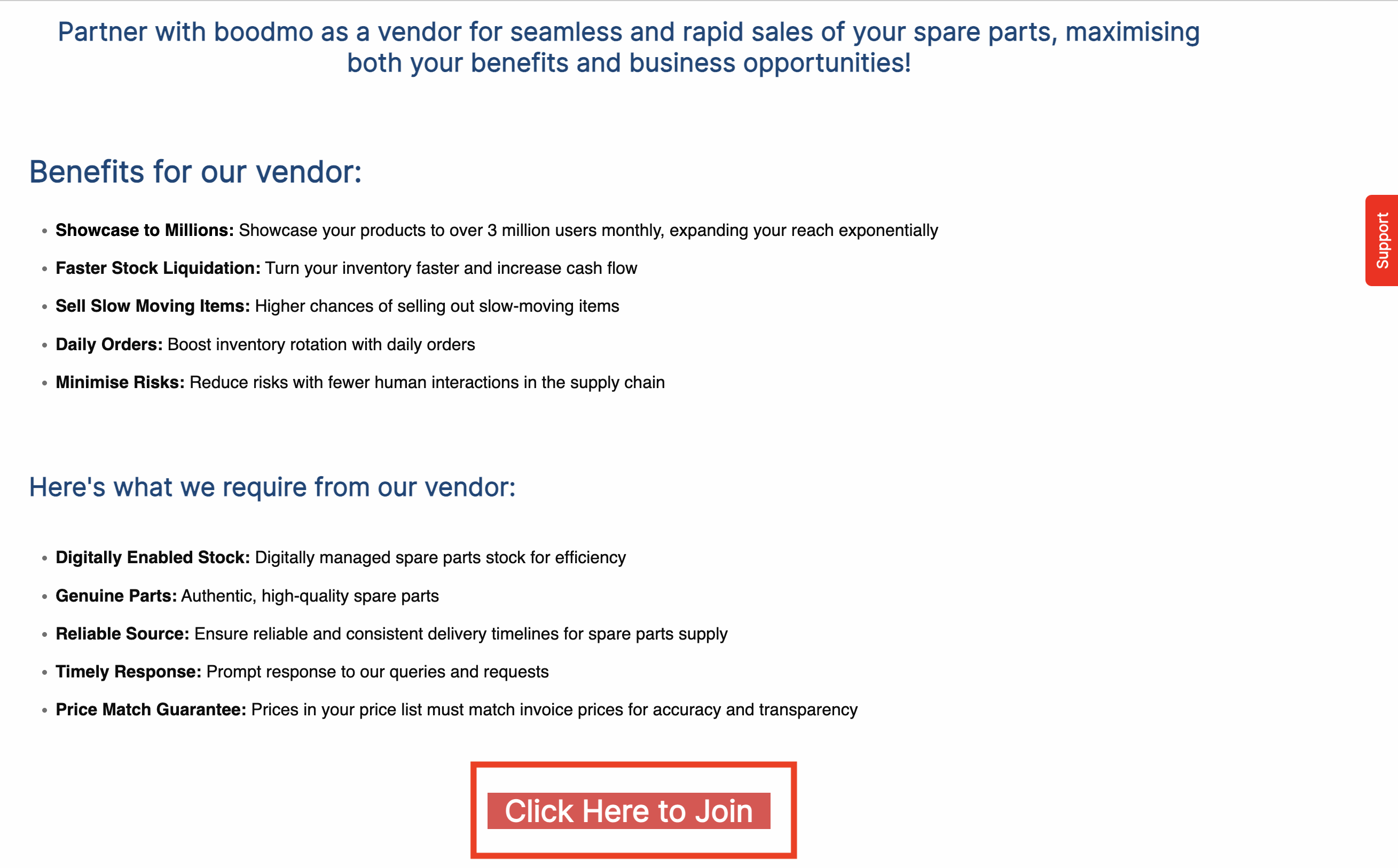
- Review the information provided, then select "Click here to join" to begin filling out the form.
- Complete the form and submit your response. A member of our team will contact you to discuss the next steps.
Using the App:
- Open the boodmo app and sign in to your account.
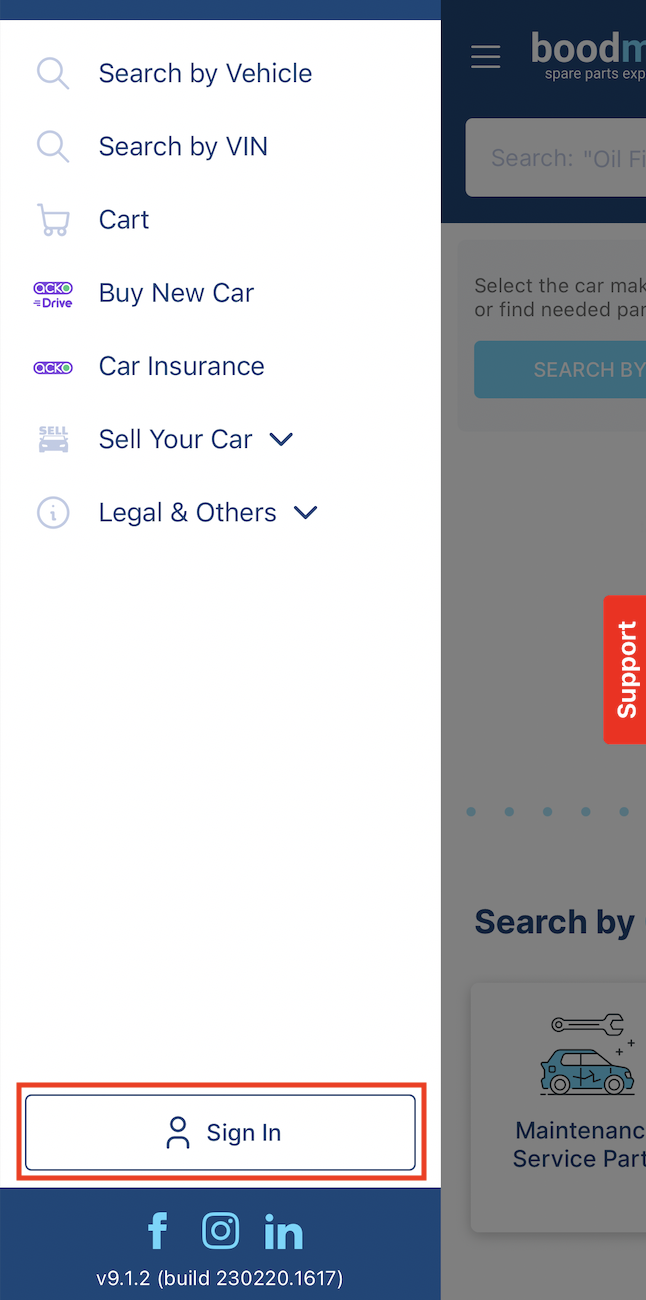
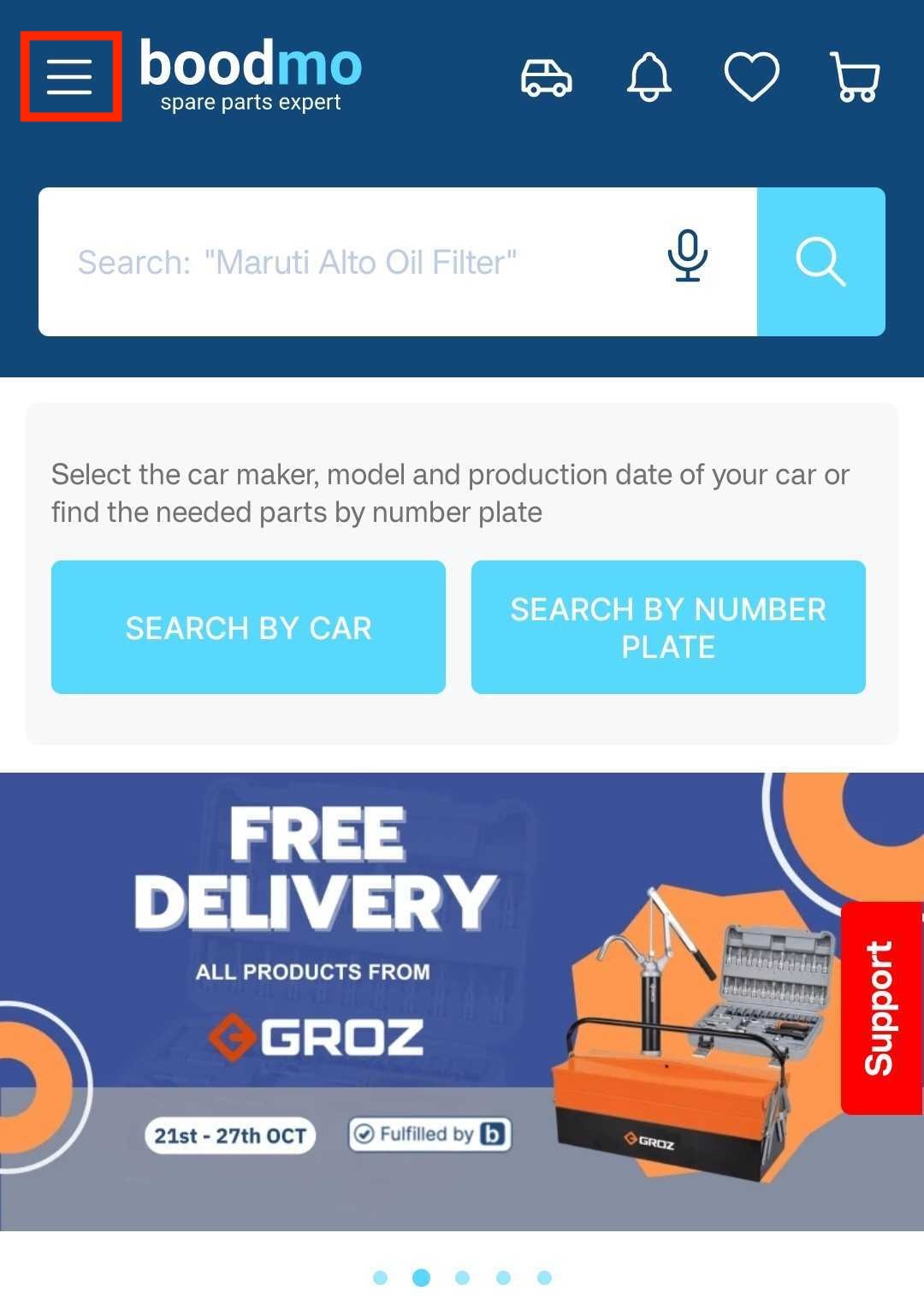
- Once signed in, click on the Menu button to view the options.
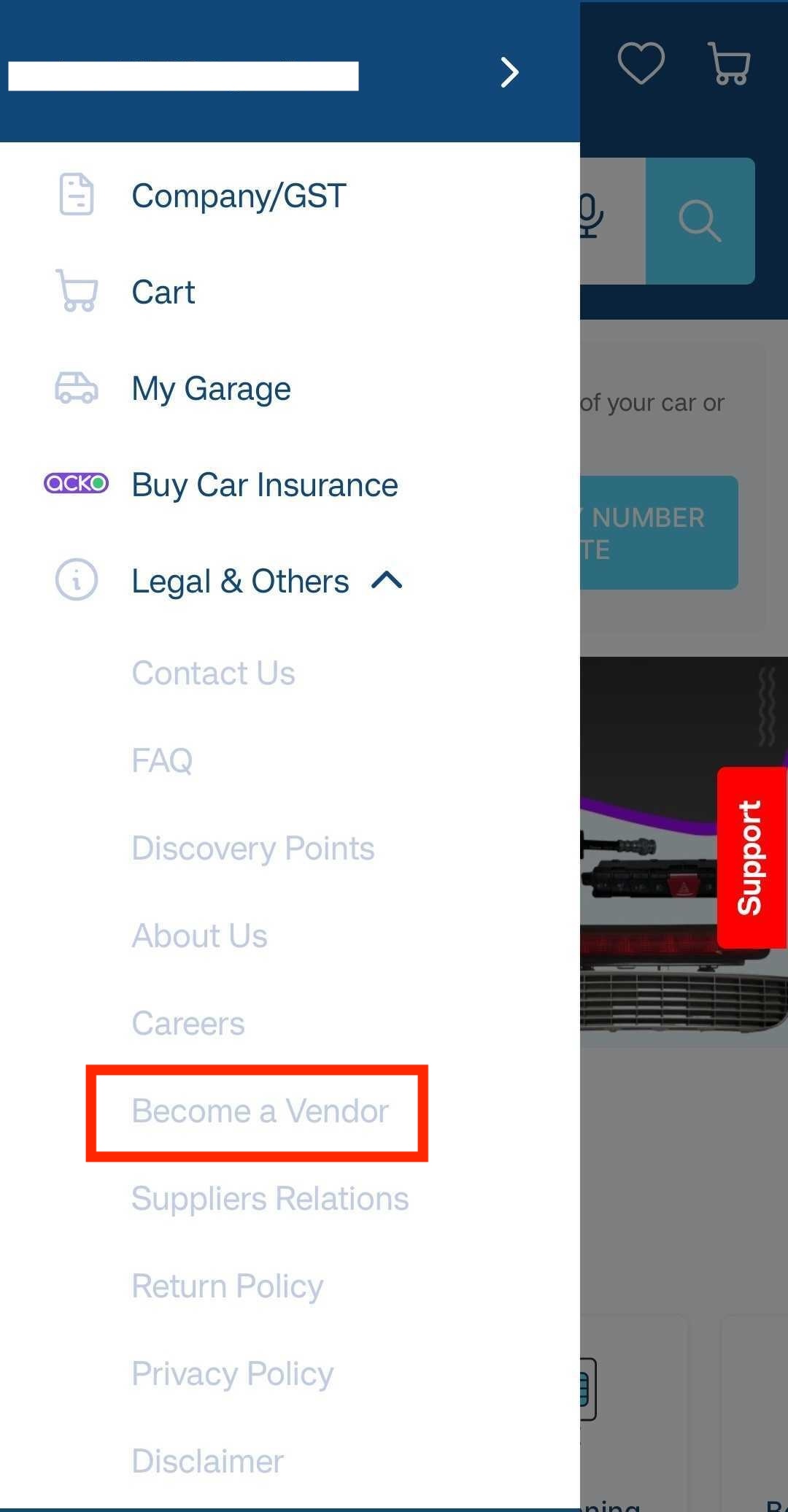
- Navigate to Become a Vendor
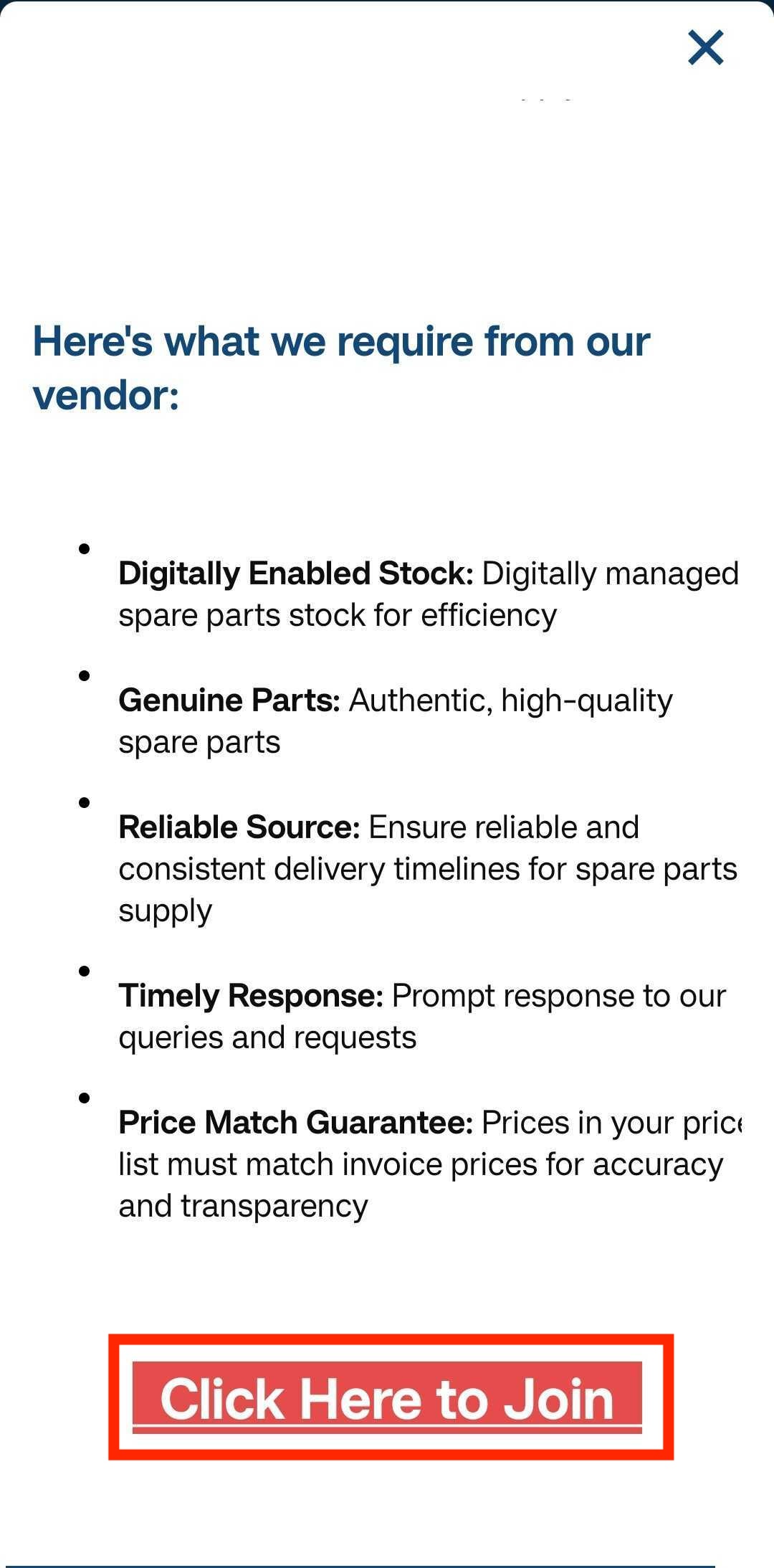
- Review the provided information, then tap "Click here to join" to access the form.
- Fill out and submit the form. A team member will contact you to discuss the next steps.